User-submitted example for powering a Neural DSP Quad Cortex
User-submitted example for powering a Neural DSP Quad Cortex
 19 February 2026
The Quad Cortex is specified by the manufacturer as requiring up to 3A of current. The following setup has been reported by users in real-world use. RockBoard has not independently verified this configuration for compliance with the manufacturer’s specification, and it may not be suitable for all units or operating conditions.
Disclaimer: This method is not officially supported or approved by RockBoard or Neural DSP. It is shared for informational purposes only. Use of this method is entirely at the user’s own risk. RockBoard accepts no responsibility for damage, malfunction, data loss, personal injury, or any consequential loss arising from the use of this configuration.
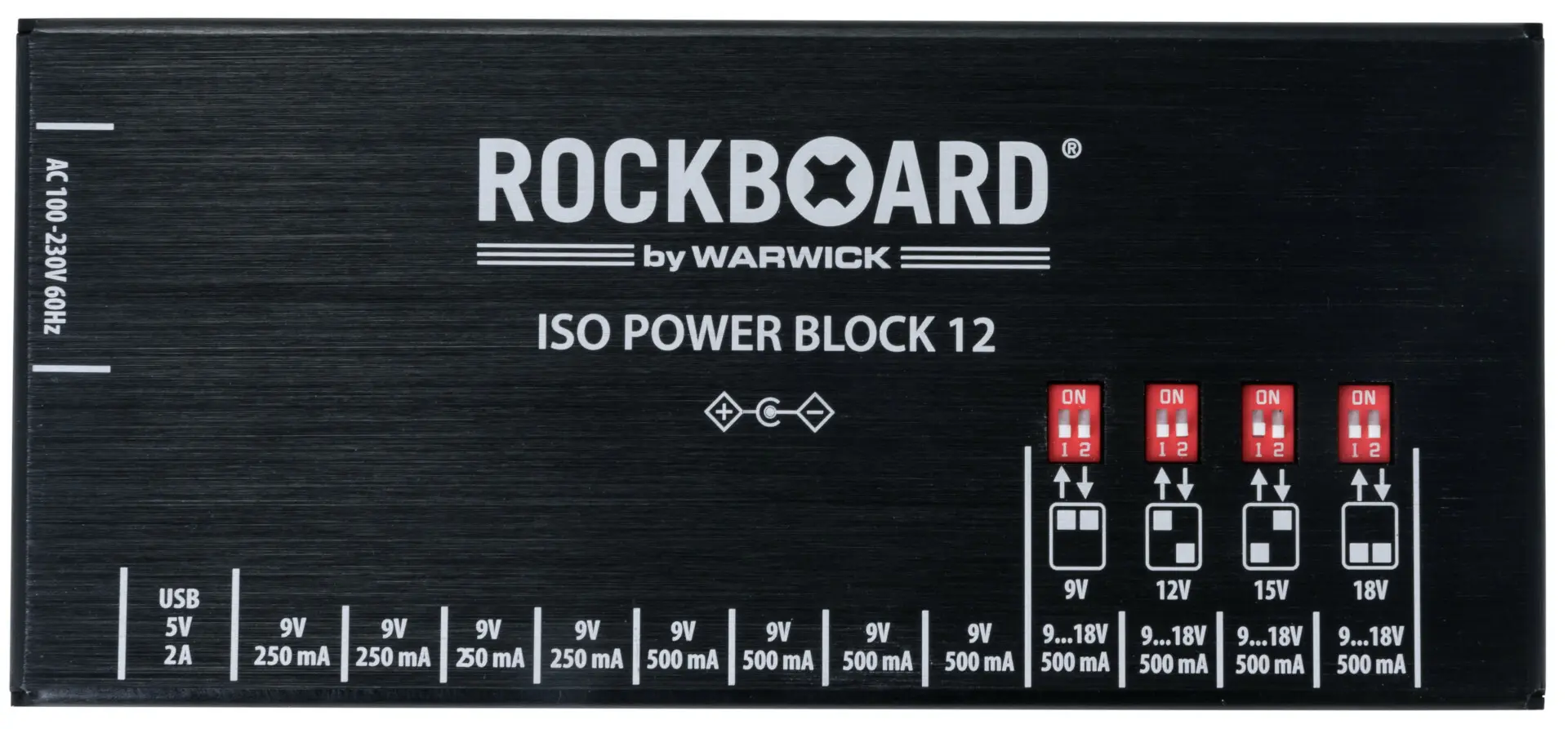
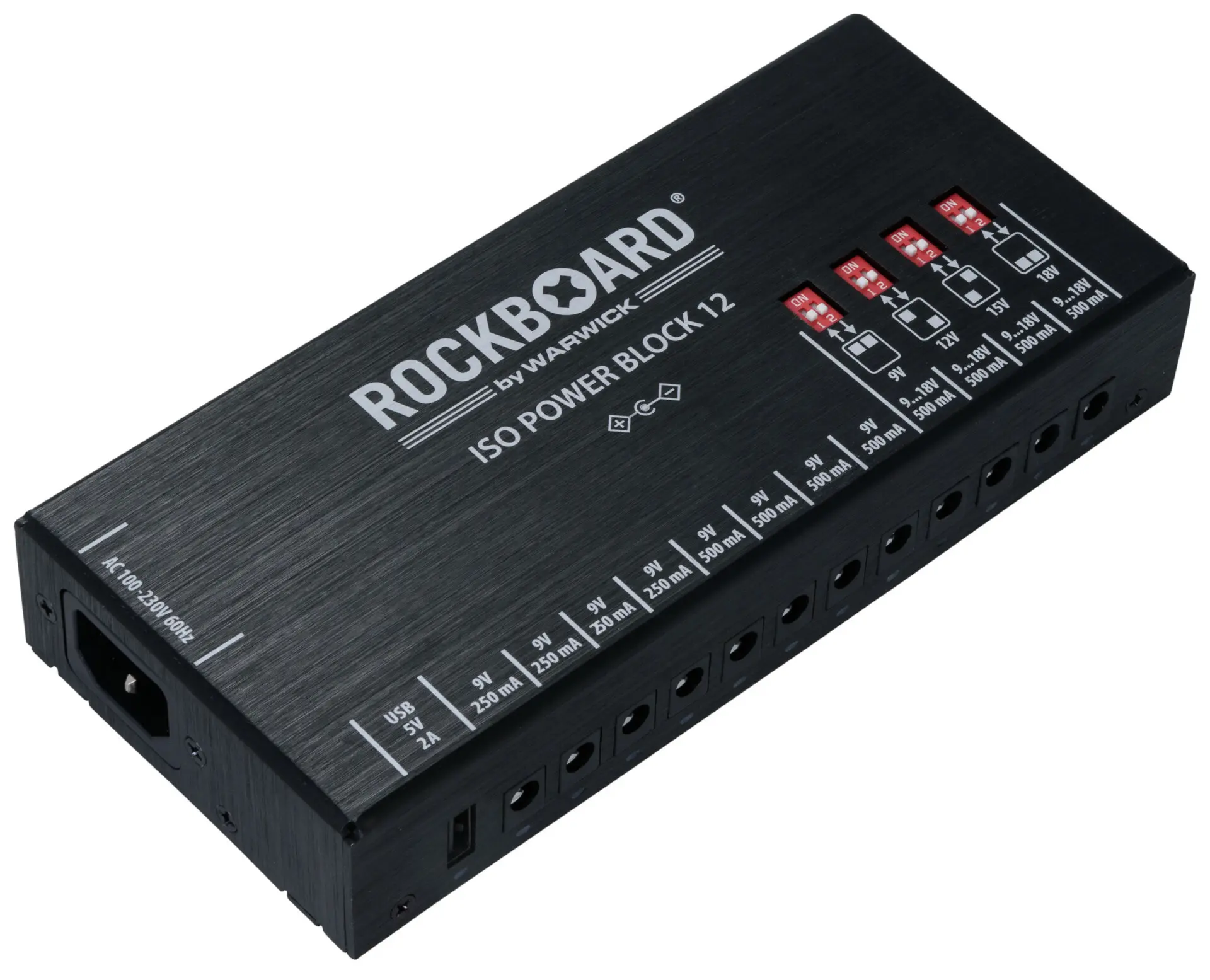
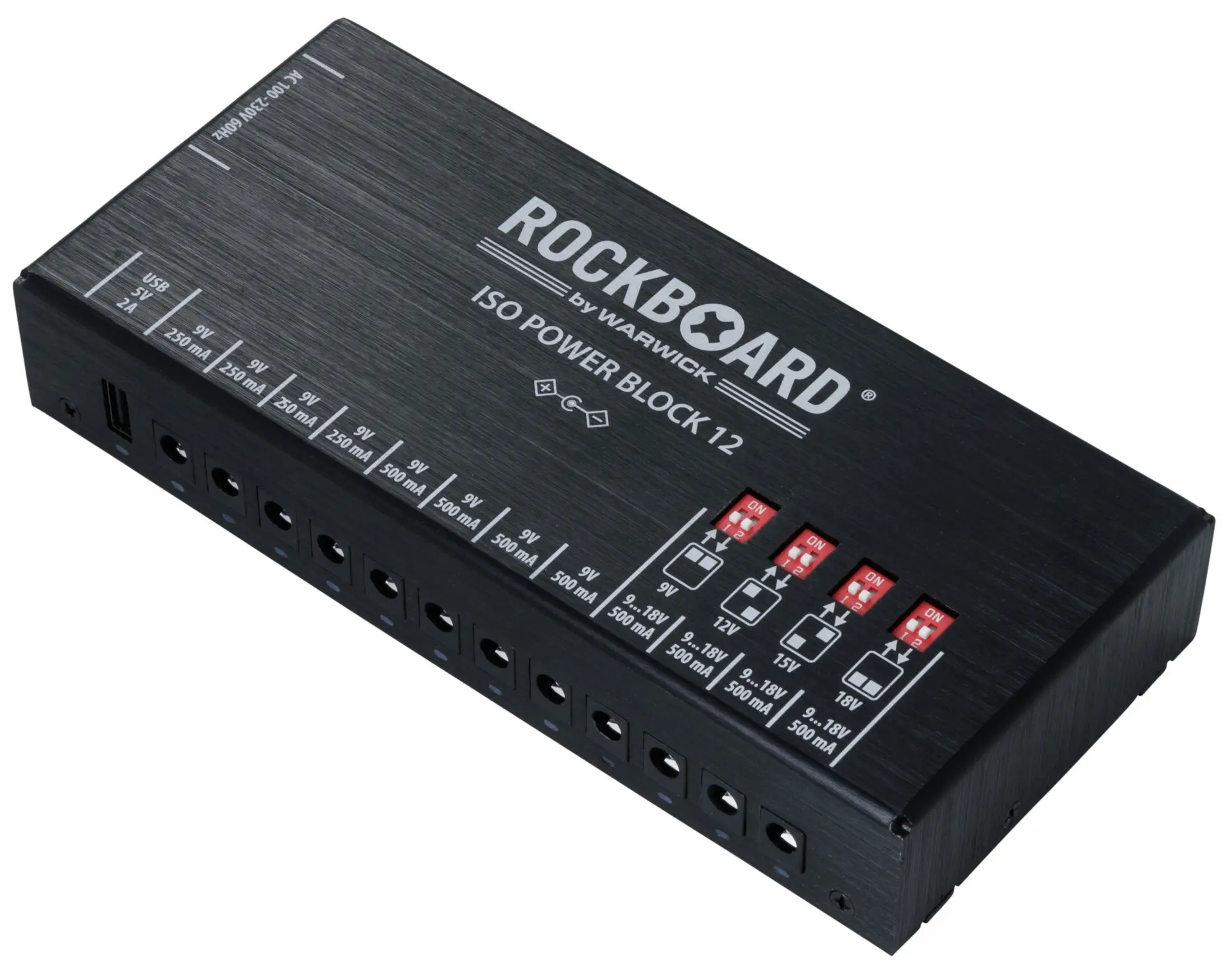
You Will Need: 1 - RockBoard ISO Power Block 12 IEC Product number: RBO POW ISO 12 IEC and 1 – RockBoard Flat Daisy Chain Cable, - 4 Outputs Product numbers: RBO CAB POWER DC4 A (Angled) – or – RBO CAB POWER DC4 S (Straight)
Step 1 Set up the PSU to power your pedals on your board as normal.
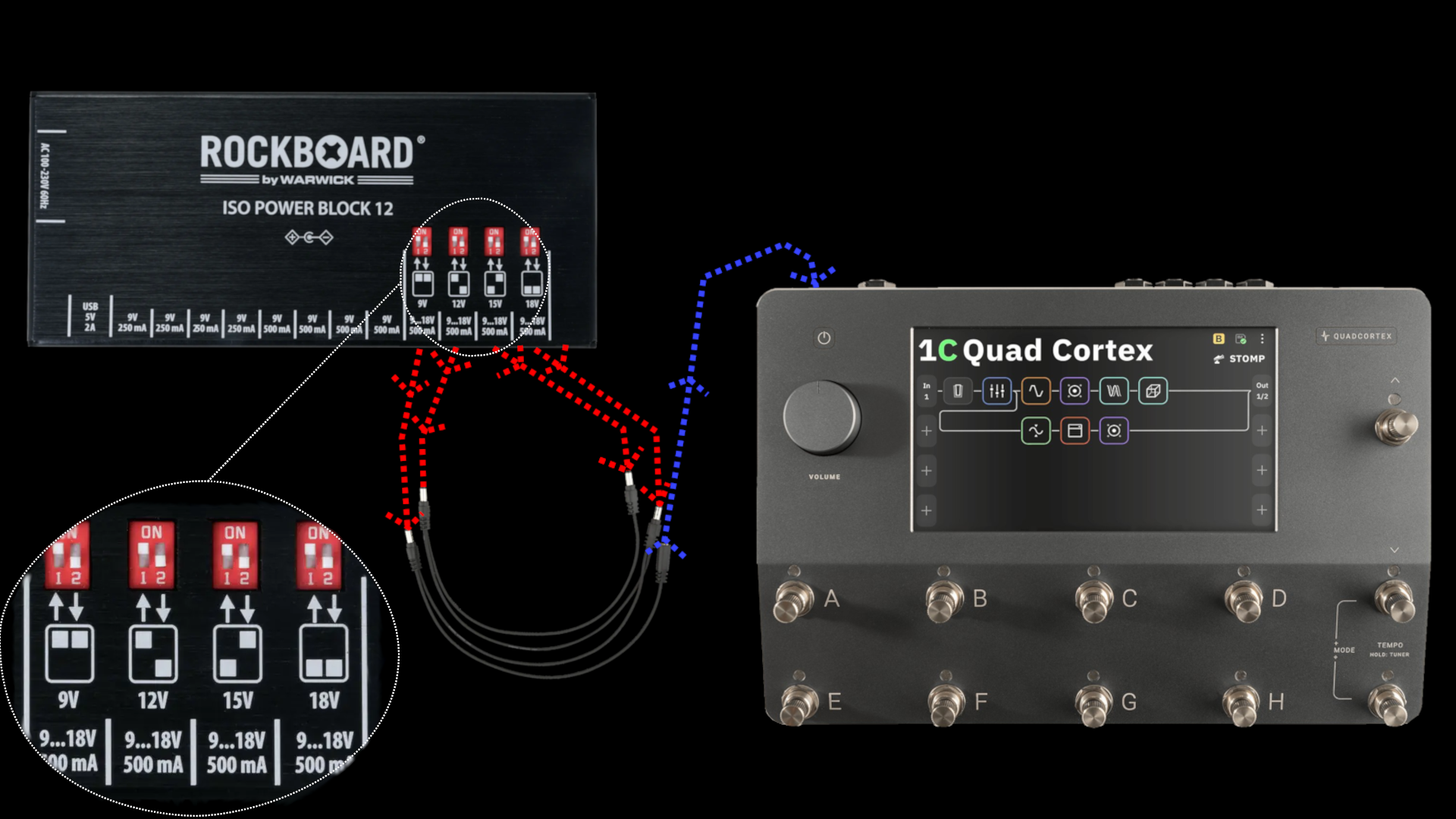
Step 2 Turn all variable voltage outputs to 12V
Step 3 Connect the 4 daisy chain connections to these 12V outputs.
Step 4 Using a normal DC cable, supplied with your RockBoard ISO Power Block 12 IEC connect the daisy chain to the Quad Cortex
Disclaimer: This method is not officially supported or approved by RockBoard or Neural DSP. It is shared for informational purposes only. Use of this method is entirely at the user’s own risk. RockBoard accepts no responsibility for damage, malfunction, data loss, personal injury, or any consequential loss arising from the use of this configuration.